

General principles
The aim of the OpenPortability platform is to map the network of interactions between X users who wish to invest in new digital spaces. This mapping is used on the one hand for research, and on the other to offer users the possibility of easily reconnecting with followers and followees within the Mastodon and BlueSky environments.
This platform is developed at CNRS (public research center) as a free software for maximum transparency.
OpenPortability makes a kind of copy of your Mastodon and BlueSky social environment (which will be a backup should X be shut down), with the following limitations:
- OpenPortability can only reconnect two X users if they have both created accounts on the target network.
- OpenPortability can only subscribe user A to user B with A’s consent, i.e. if he or she is registered with OpenPortability.
Hence the need to have a critical mass of users of the platform, and the interest for each OpenPortability subscriber to invite his or her X subscribers to do the same. In this sense, copying X’s social graph to Mastodon and BlueSky is a collective affair.
We’ve designed OpenPortability so that if everyone takes 5 minutes to register on the platform, everyone can be reconnected within a few days.
The data we use
To operate, OpenPortability requires two types of information
A. Correspondence between accounts on X and BlueSky/Mastodon
We need to know which are the different digital identities on the different networks.
It takes 1 min to do this, and is done simply by logging into your accounts from OpenPortability.
No password is manipulated during this operation. It’s just a certification of account ownership by third-party services.
After this first step (i.e. from the 2nd minute), OpenPortability will be able to suggest which of your subscriptions have shared their archives.
B. The list of your subscribers.
To reconnect to BlueSky and Mastodon, we need to know who you’re connected to on X. This information is public and available on your profile, but difficult to use automatically. We therefore need the follower.js and following.js files contained in your X archive (in the data folder cf tutorial), which list your outgoing and incoming subscribers. Their contents look like this:
...{

“follower” : {

“accountId” : ‘755137239156490240’,

“userLink” : ”https://twitter.com/intent/user?user_id=755137239156490240”

}

},

{

“follower” : {

“accountId” : ‘66714410’,

“userLink” : ”https://twitter.com/intent/user?user_id=66714410”

}

},...
here are two ways to give them to us:
- Regardless of the size of your X archive, but only if it’s over 1GB, you can decompress the archive and send us only the two files following.js and follower.js (located in the data directory). These files must be sent at the same time.
- If your archive is less than 1GB in size, you can also drag and drop it entirely and directly into the dedicated space on our platform (faster). The contents of the archive are not transferred to our servers. The archive is decompressed locally in your browser, which transmits only the following.js and follower.js files. This behavior can be verified on the application’s github account
Note that we only store TwitterId’s, so we don’t have any metadata on users.
A three-step reconnection
Once you have your BlueSky and/or Mastodon accounts, you can register on the platform.
The first step is to associate your accounts. This takes 1 min and can be done from any mobile device, including a smartphone. The sooner you do this, the faster you’ll receive new subscribers on BlueSky or Mastodon.
A quick way to gain new subscribers on BlueSky and Mastodon is to call your X subscribers to create an account on your social network of choice and take a minute to sign up for OpenPortability.
If you’ve shared your archive, you’ll be automatically suggested to them when they log in again.
The second step is to share the list of your subscribers contained in your X archive. You’ll need to obtain your X archive first. Note that these are only lists of X identifiers (list of numbers), so you don’t give any other metadata about your followers or followees.
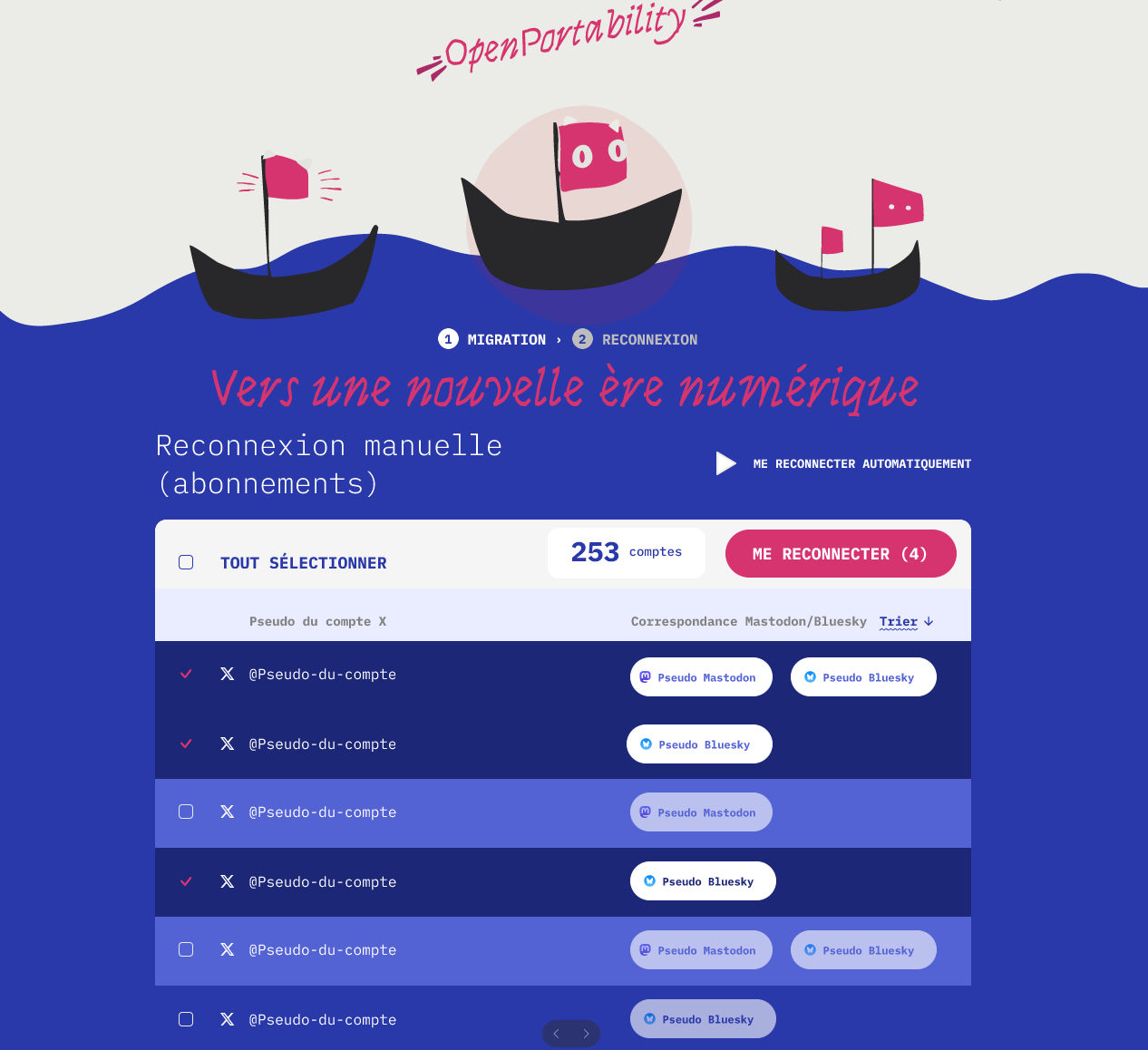
The final step is to authorize OpenPortability to reconnect you with the same people you are connected on X. To do this, a time-limited authorization token is generated by your BlueSky or Mastodon accounts and used by OpenPortability to carry out reconnections. Two modes are available: individual choice of reconnections, or mass validation.
Please note that you won’t get all your subscribers back at once, since by the time you perform the operation, only some of your subscribers will already have registered with OpenPortability. On the other hand, some accounts will continue to sign up after you, so if you return to the OpenPortability at a later date, it’s likely that other accounts will be waiting to be reconnected. Come back regularly to collect your subscriptions!
The speed with which you rebuild your community will depend not only on your ability to convince your subscribers to follow you, but also on that of X accounts who have subscribers in common with you. Once again, it’s collective action that will best restore your communities.
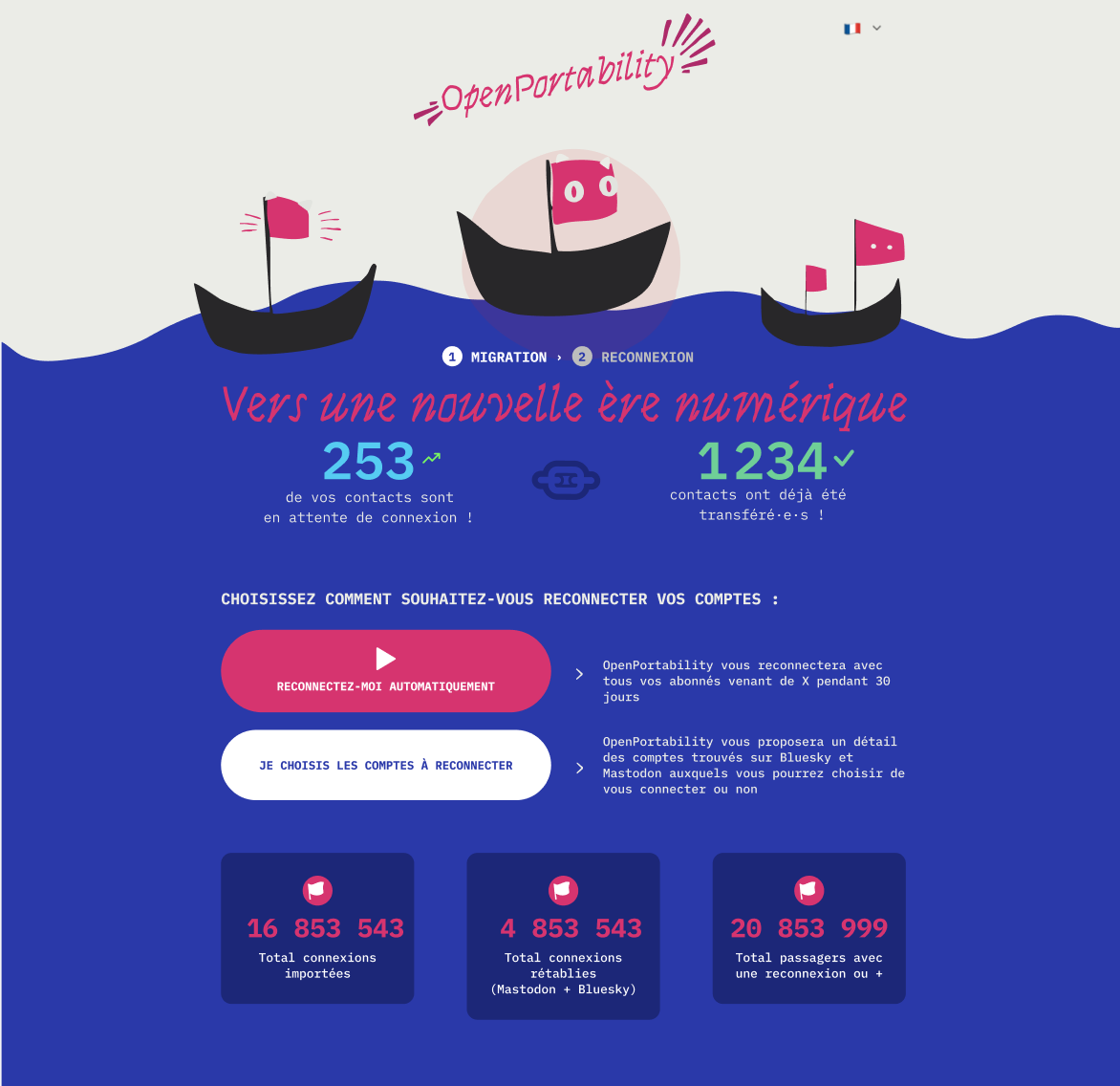
Reconnection interface screenshot
This post is also available in: French

